As of: Tuesday, 04.08.2026, 11:00
You type in a web address, press Enter and expect the page to appear immediately. Usually it does. But before a website loads, a small, important step takes place in the background that many people never see.
That is exactly where the topic of DNS filtering begins. It sounds technical, but in everyday life it is quite simple: your device first has to find out where it actually wants to go. And at that point a good filter can already stop a lot of unnecessary clutter.
If you don’t want to see ads, trackers and suspicious sites only once they have already loaded, it is worth taking a look at this invisible stop in your internet traffic.
DNS filtering explained simply: the address book of the internet
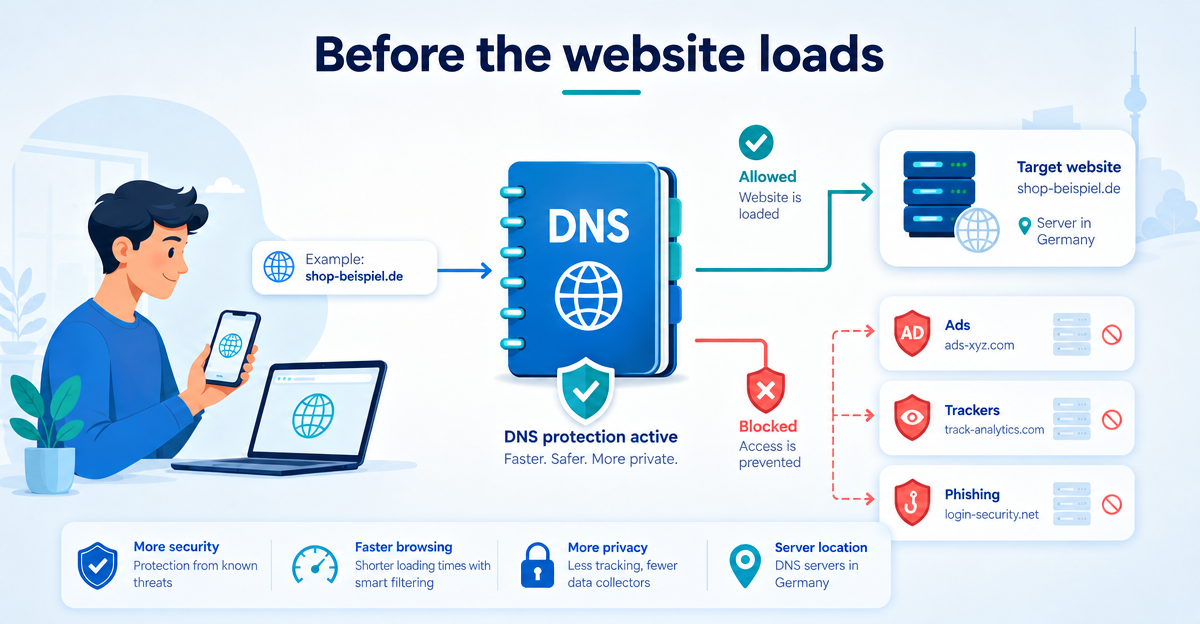
DNS stands for “Domain Name System”. You don’t have to remember the term. Just think of DNS as the address book of the internet.
People remember names like “example.com”. Computers, however, work with technical destinations, in other words addresses in the background. When you open a website, your device first asks: “Which technical address belongs to this name?”
Only then can the connection to the website be established. Without DNS you would have to remember complicated strings of numbers. That would be about as practical as a phone book without names. In other words: not at all.
What DNS filtering can stop before loading
Many websites don’t just consist of the actual content. Often ad networks, analytics services, tracking domains or external scripts are requested as well. Some sites call up a surprising number of addresses in the background.
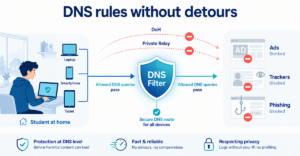
DNS filtering checks these requests before the content is loaded. If a domain is known as an ad, tracker or phishing risk, the request is blocked. Your device is then not shown the way there.
This can make everyday life noticeably more pleasant:
- fewer annoying ads on many sites,
- less tracking by known tracking domains,
- protection against many phishing sites at DNS level,
- a cleaner browsing experience on smartphone, laptop and tablet.
ImportantDNS filtering doesn’t replace common sense. But it is a sensible digital shield that comes in early.
Why XIBRO SHIELD is not a classic VPN service
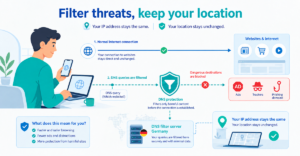
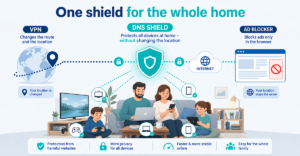
Many people immediately think of a VPN service when it comes to protection on the internet. With XIBRO SHIELD it is different. XIBRO SHIELD uses a WireGuard tunnel for DNS filtering, but does not change your public IP address and does not switch your connection country either.
That means: you keep browsing with your normal connection. Your country stays the same. The focus is not on pretending to be somewhere else, but on filtering unwanted DNS queries.
For everyday life, that is often exactly what is pleasant. Online banking, regional content or services that react sensitively to a change of location are generally less irritated. At the same time, many ad, tracking and phishing domains are blocked before they even load.
Ideal for trying out in everyday life
If you are starting on your own, you don’t need to switch over your whole home straight away. Many people start with the devices they use every day: smartphone, laptop and tablet.
XIBRO SHIELD fits particularly well as a starting point for this. Setting it up only takes a few minutes and requires no prior technical knowledge. Depending on the plan, one account can protect several devices, for example up to 5 devices with the SOLO plan for 5,00 € per 30 days.
NoteThese are the regular prices. XIBRO SHIELD is currently still in the Early Access phase – plans can currently only be activated with an invitation code. Regular sales will start later.
That way you can test at your own pace whether DNS filtering suits your everyday life. If more devices or the family are added later, the protection can be extended. A 30-day money-back guarantee also applies to all plans in case XIBRO SHIELD doesn’t suit you.
Conclusion: a small lookup, a big difference
Before a website loads, your device asks for the right way there. DNS filtering uses exactly this moment to stop known ads, trackers and phishing domains early.
XIBRO SHIELD makes this protection fit for everyday life: easy to understand, without changing your IP address and without changing your connection country. If you would like to try a cleaner and calmer everyday internet, take a look at xibro.de and try XIBRO SHIELD.