

Turn off ads on a Samsung TV – and what works on LG
Turn off ads on a Samsung TV: what the settings do, what a DNS filter adds on top and which ads stay on Samsung and LG.
Blocking YouTube for children – on phone, tablet and TV
Blocking YouTube for children: every option for phone, tablet, router and TV at a glance – and an honest look at where each block has a gap.
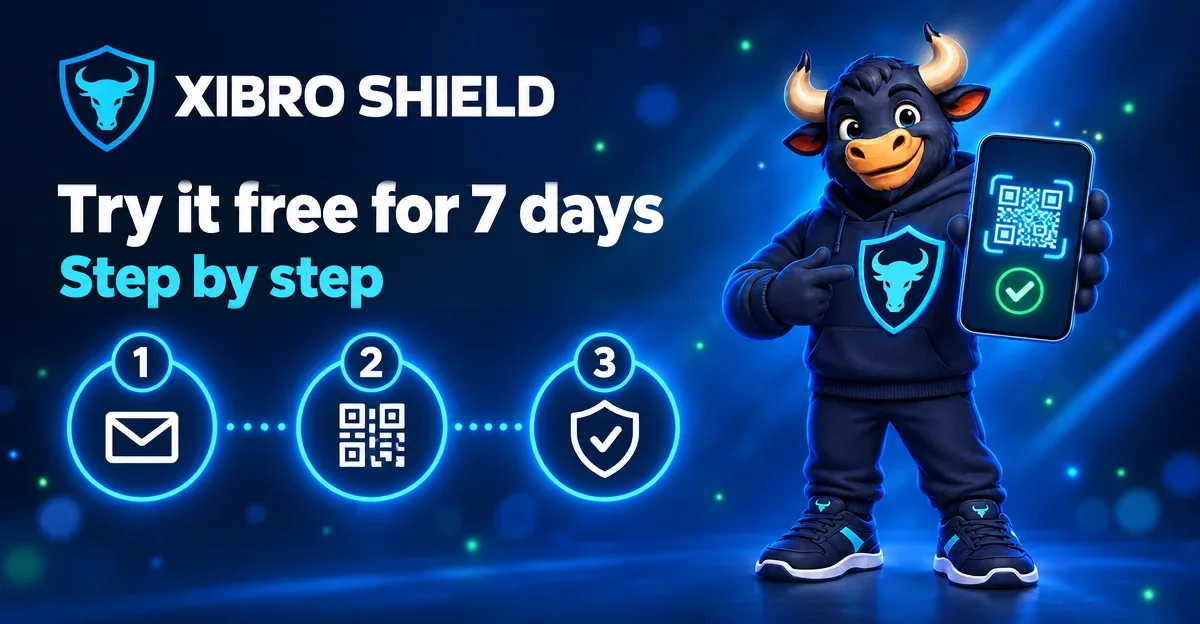
Free trial: try XIBRO SHIELD for 7 days – step by step
How to try XIBRO SHIELD free for 7 days: fill in the form, activate access, set up WireGuard and check it in the DNS test – with screenshots.
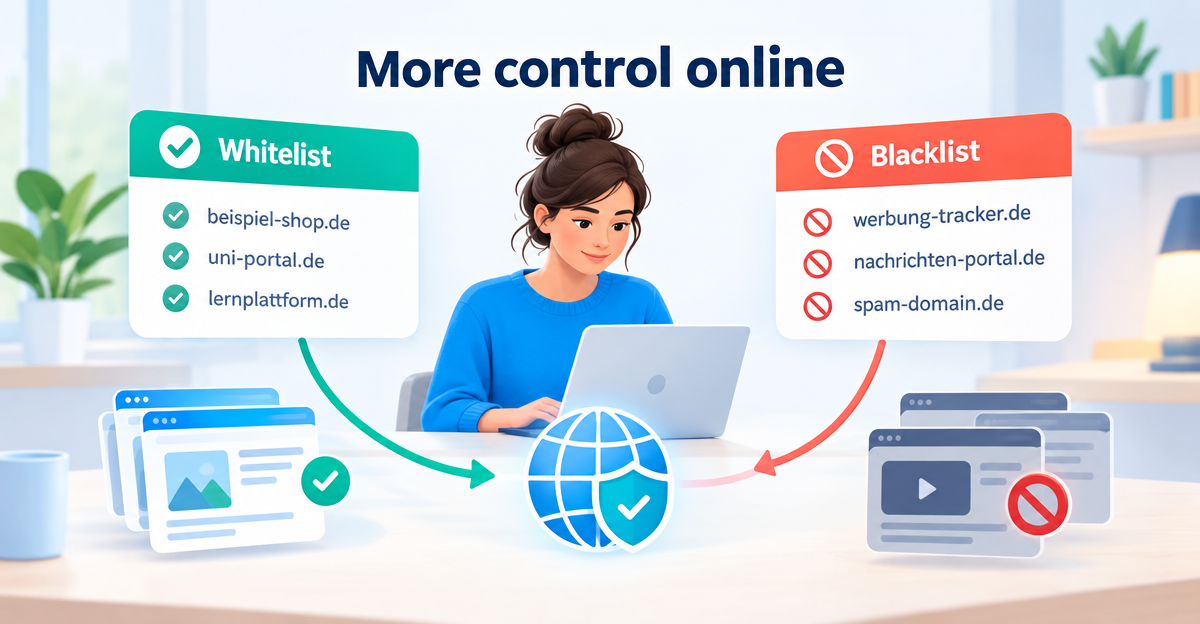
Setting up a DNS whitelist and blacklist: control domains precisely
Setting up a DNS whitelist and blacklist: how to allow or block individual domains, when each makes sense and where a DNS filter reaches its limits.
Cloudflare DNS for Families: what 1.1.1.3 can do – and what it can’t
Cloudflare DNS for Families put to the test: 1.1.1.3 blocks malware and adult content, for free. How to set it up and where its limits are.
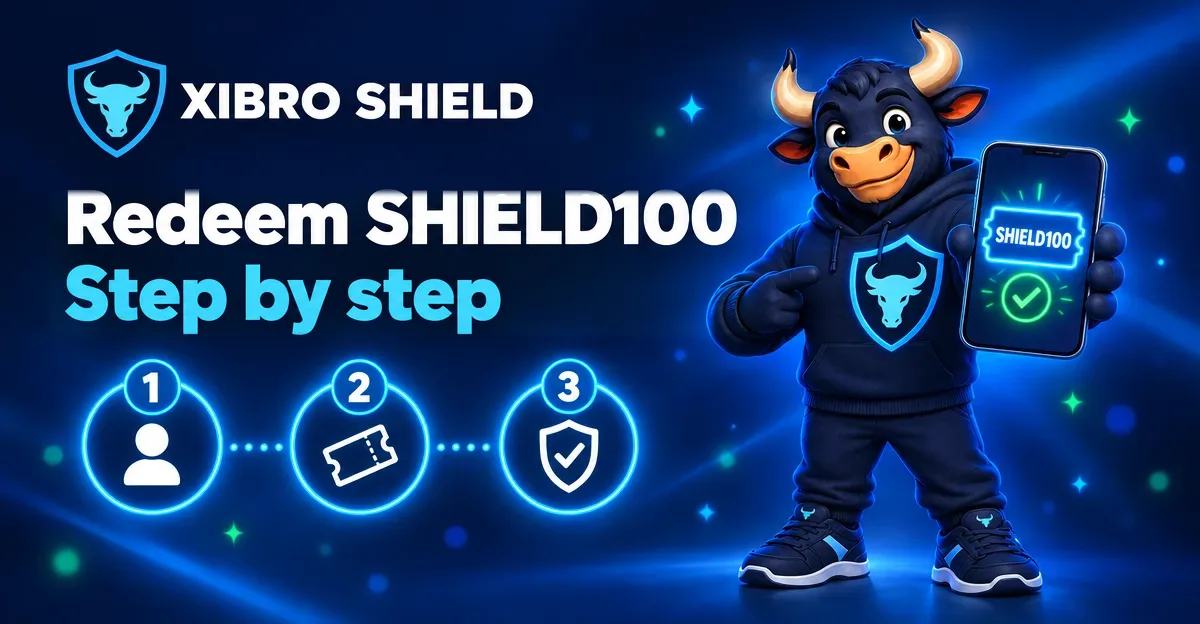
Redeeming SHIELD100: activating Early Access 100 step by step
How to redeem SHIELD100: create an account, enter the code, activate FAMILIE free for 90 days and connect your first device – with screenshots.
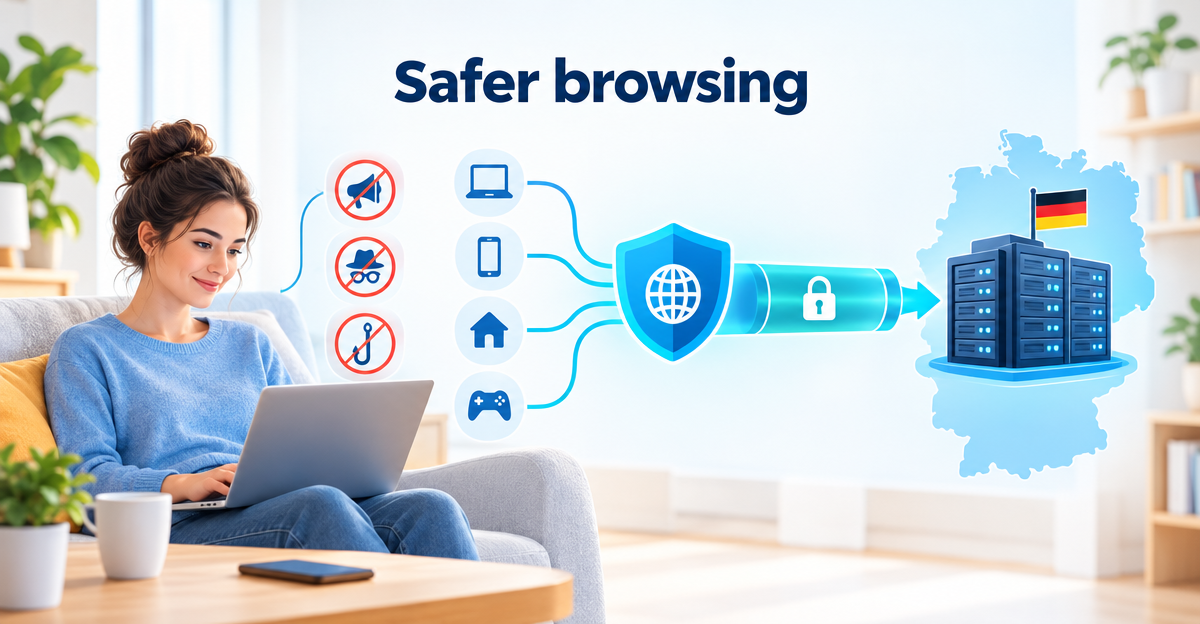
DNS protection with servers in Germany: four features you can check yourself
Instead of big security promises: four clearly named features of XIBRO SHIELD – servers in Germany, 91 days of DNS logs without IP, a WireGuard tunnel for DNS only and a guarantee.

Early Access 100: try XIBRO SHIELD free for 90 days
FAMILIE free for 90 days, no card and no automatic renewal, then a permanent 20 % discount. Here is how to join Early Access 100.
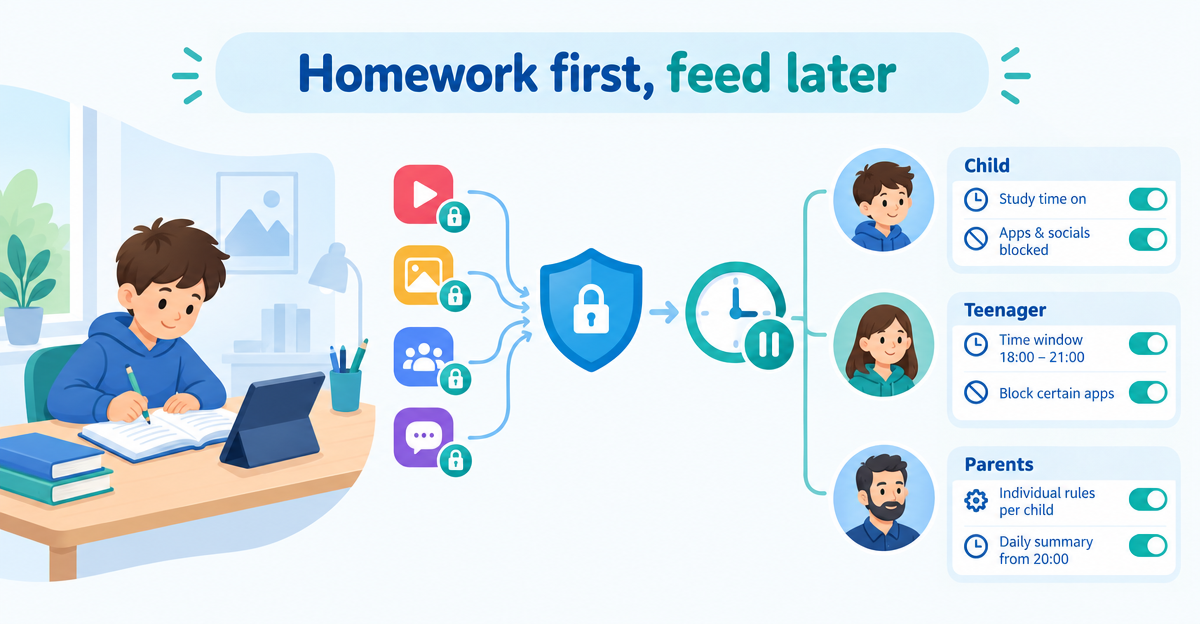
Blocking social media during homework: rules that kick in automatically
Instead of collecting devices every day: block TikTok, YouTube and co. per profile and set internet breaks with schedules – support for clear family rules.
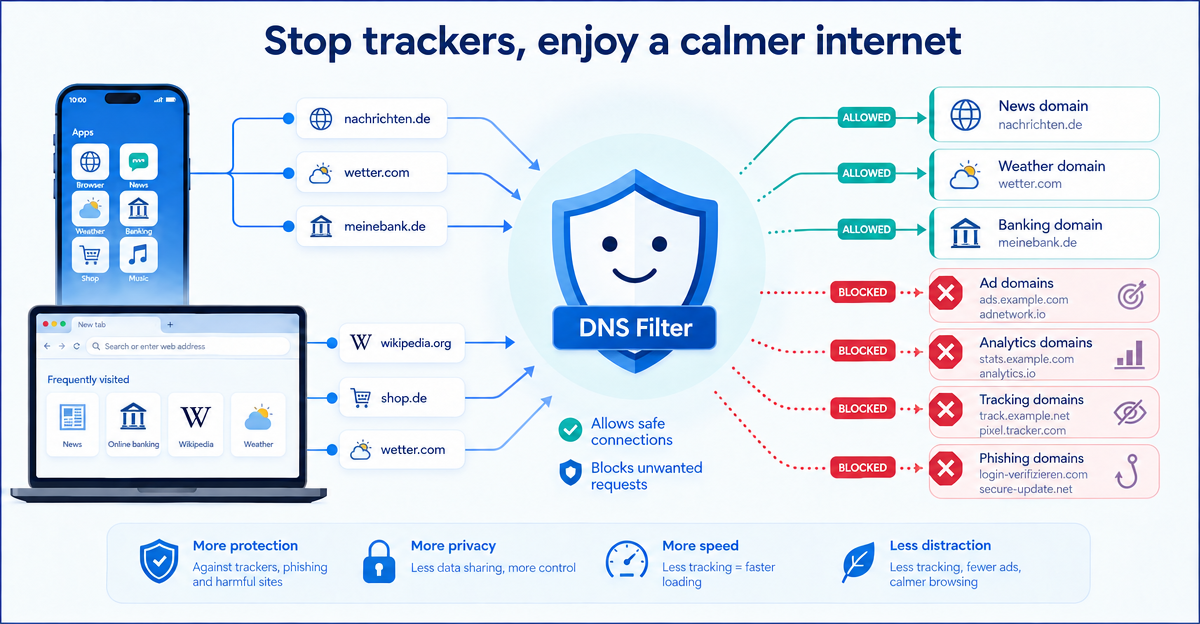
Blocking trackers in apps: why apps contact ad and tracking domains
Apps and websites often contact external ad and tracking domains. A simple explanation of how DNS filtering helps to block many of these connections.
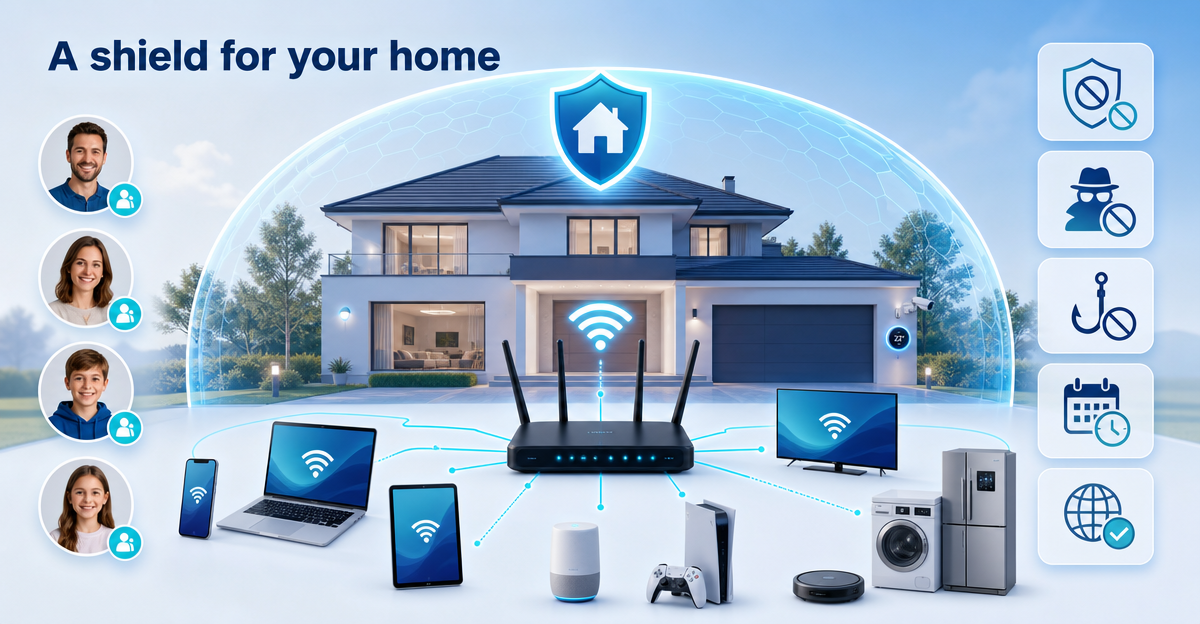
DNS protection for a large smart home: ZUHAUSE organises devices, profiles and router protection
A large smart home, many devices, little overview? XIBRO SHIELD ZUHAUSE helps you organise DNS protection, profiles, schedules and router protection centrally.
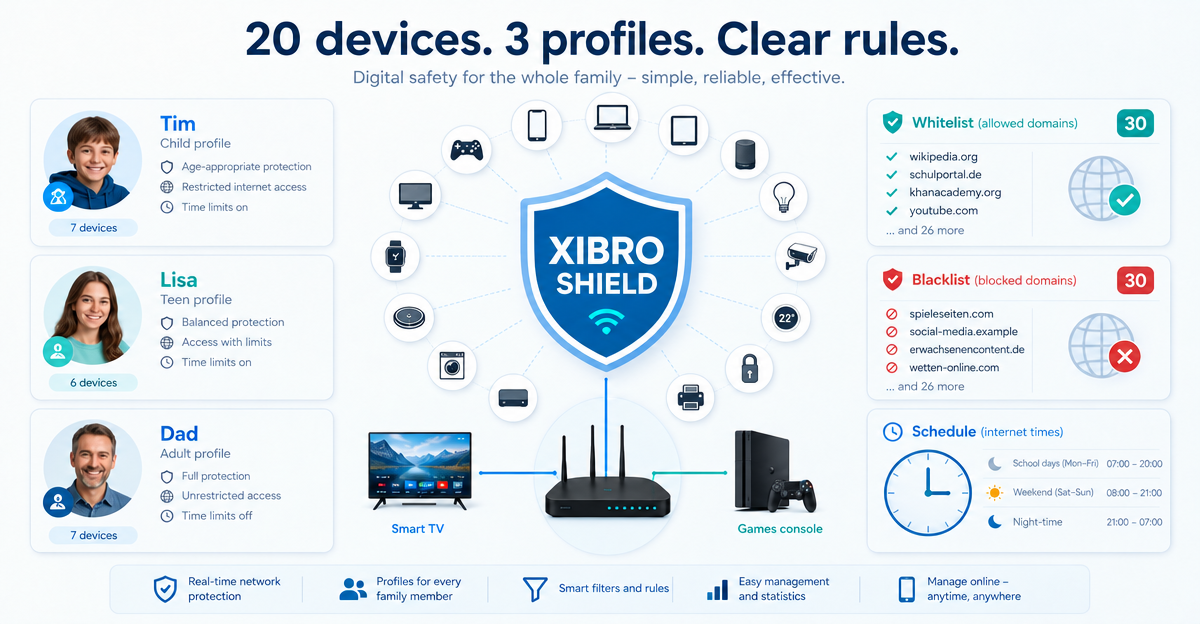
DNS filter for a family with 20 devices: what FAMILIE offers in concrete terms
XIBRO SHIELD FAMILIE: up to 20 devices, 3 profiles, 30 of your own domains per list, schedules, app switches and router protection for your home network.