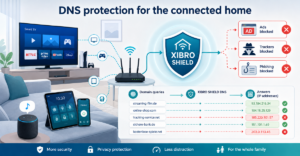
As of: Thursday, 20 August 2026, 18:30. A modern home today has more internet devices than it used to have free sockets. Smart TV, console, tablets, speakers, cameras, lights, robot vacuum: everything is somehow sending data to the outside world. And not every device kindly explains where it is talking to.
Many people install ad blockers in the browser. That helps on the laptop. But what about the TV in the living room? The children’s games console? Or devices on which you can’t install an extension at all? This is exactly where Pi-hole DNS filtering becomes interesting.
The good news: your home doesn’t have to turn into a weekend DIY project for this. The basic idea is simple. Unwanted connections are intercepted before they really get going.
What does Pi-hole actually do?
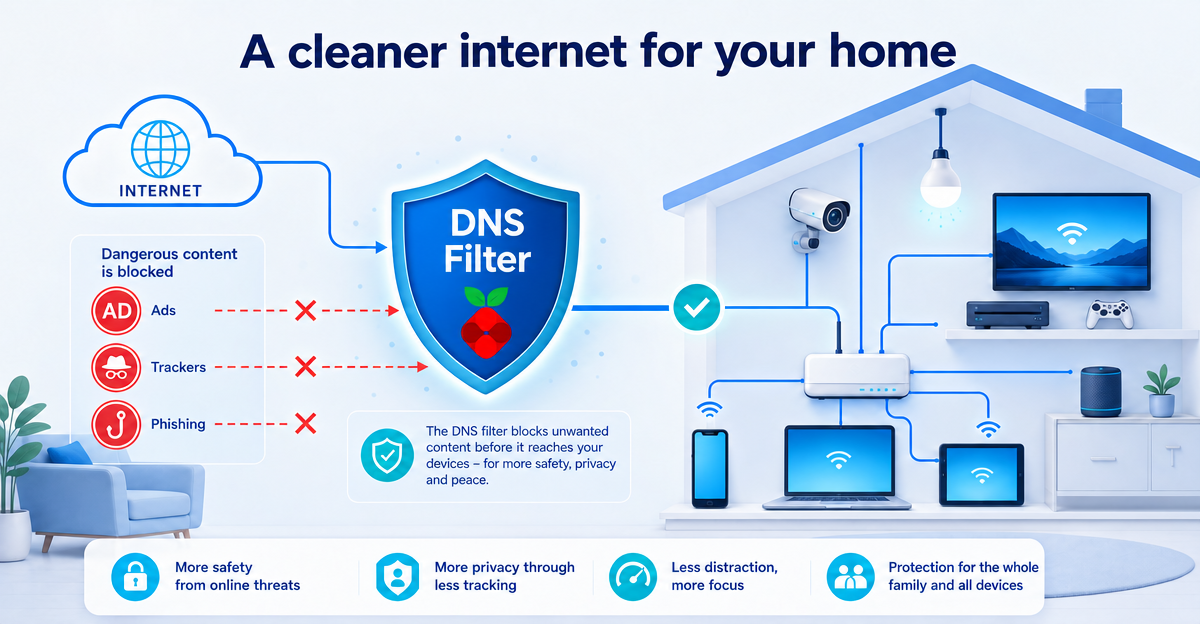
Pi-hole is best known as a DNS-based ad and tracker blocker. You can think of DNS as the phone book of the internet. When a device wants to call up a website, an ad server or a tracking service, it first asks: “Which address belongs to this name?”
Pi-hole checks this query against block lists. If a domain is on the list, it is not resolved normally. The device then gets no easy route to this ad, tracking or phishing destination. That is not magic. It is more like a very attentive bouncer for internet requests.
Why DNS block lists matter so much in a smart home
The big advantage lies in the central logic. Not every app and not every device needs its own browser extension. This is particularly important in households with many devices.
- Smart TVs often show ads outside a classic browser.
- Consoles and streaming devices offer hardly any room for protection extensions of their own.
- IoT devices often send data to various services in the background.
- Children’s devices should be managed as simply and centrally as possible.
DNS block lists can help reduce known ad, tracking and phishing domains here. Not everything disappears. But the digital noise becomes noticeably quieter. And less noise often means: less distraction, fewer unnecessary data connections, more peace in the home network.
Pi-hole without a DIY project: the easy way
Many tech-minded people run Pi-hole themselves. That is great, but not made for everyone’s everyday life. You need a device, time, updates, list maintenance and a bit of patience. If you just want to switch on the TV after work, you don’t want to read a mini-server manual first.
XIBRO SHIELD combines DNS filtering with a WireGuard tunnel and Pi-hole logic as a user-friendly service. WireGuard is the technical connection through which DNS filtering is used reliably. Important: XIBRO SHIELD is not a classic location VPN. Your IP address is not replaced by another one, and your connection stays in the usual country.
For you this means: less technical effort, but still central filtering against ads, trackers and phishing domains. Setting it up only takes a few minutes and requires no special knowledge.
Particularly useful: protection via the router
In smart home households, the router is often the best lever. If a compatible router is included, devices on which you can’t install anything benefit too. These include smart TVs, consoles, many IoT devices and some Wi-Fi kitchen gadgets that probably phone home more often than your aunt.
XIBRO SHIELD supports protection for the home network via a compatible router in the FAMILIE and ZUHAUSE plans. That way filtering doesn’t become a per-device task, but a central house rule. This is particularly practical for families and larger households with many devices.
Conclusion: less effort, more control
Pi-hole DNS filtering is interesting because it starts where many devices first want to go online: at name resolution. For ordinary users, though, the technology isn’t what matters, it is the result. Fewer ads. Less tracking. More protection against known phishing destinations. And all that with as little DIY stress as possible.
XIBRO SHIELD makes this idea fit for everyday life: DNS filtering with Pi-hole logic, infrastructure in Germany, DNS logs without IP address with automatic deletion after 91 days and a 30-day money-back guarantee in case it doesn’t suit you. If you want to take the load off your smart home, try XIBRO SHIELD on xibro.de.
NoteXIBRO SHIELD is currently still in the Early Access phase – plans can currently only be activated with an invitation code. Regular sales will start later.