DNS filter for smart TVs and consoles: why devices without a browser also ask for domains
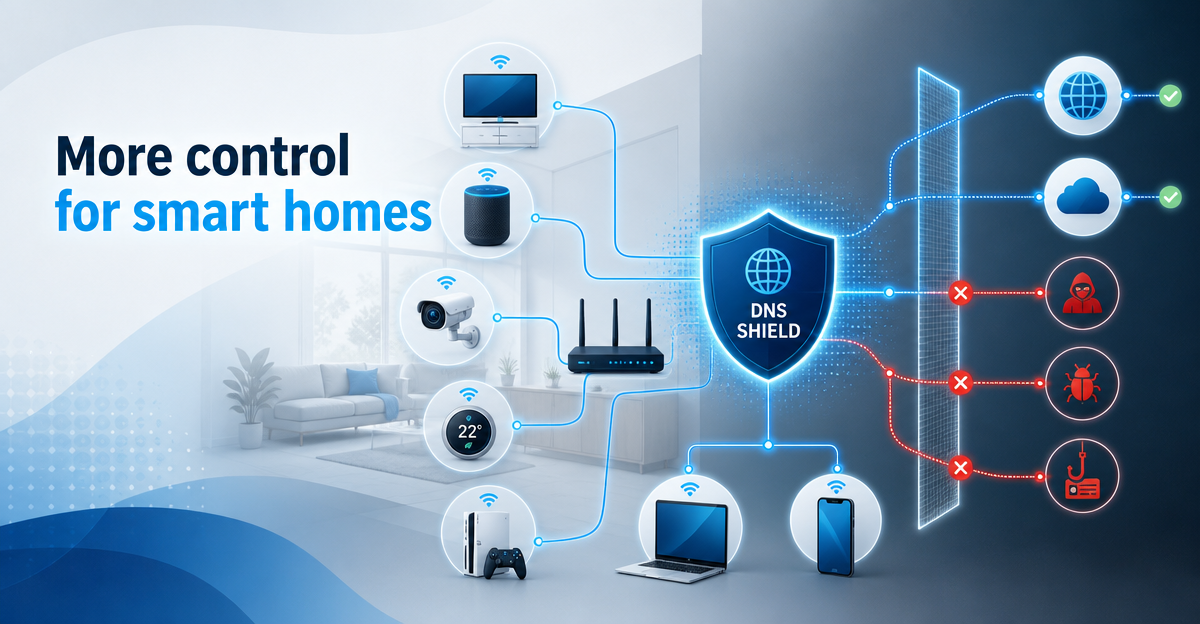
Smart TVs, consoles and IoT devices send DNS queries too. How DNS filtering works and how a compatible WireGuard router can include your smart home.
OfferEarly Access 100: FAMILIE free for 90 days – only 100 places. Learn more →
In an ordinary household today, dozens of devices are connected to the Wi-Fi: smartphones and laptops, but also TVs, consoles, speakers, cameras and smart plugs. Many of them have neither a browser nor privacy settings, and yet they connect to the internet all the time.
This is about your home network as a whole: what the FRITZ!Box and other routers can do out of the box, how to set up DNS servers, parental controls and WireGuard on the router, how to include the smart TV and console, and how ad filters based on the Pi-hole principle work. The advantage of the router: one setting works for all devices, including those on which you can’t change anything yourself.
Good places to start:

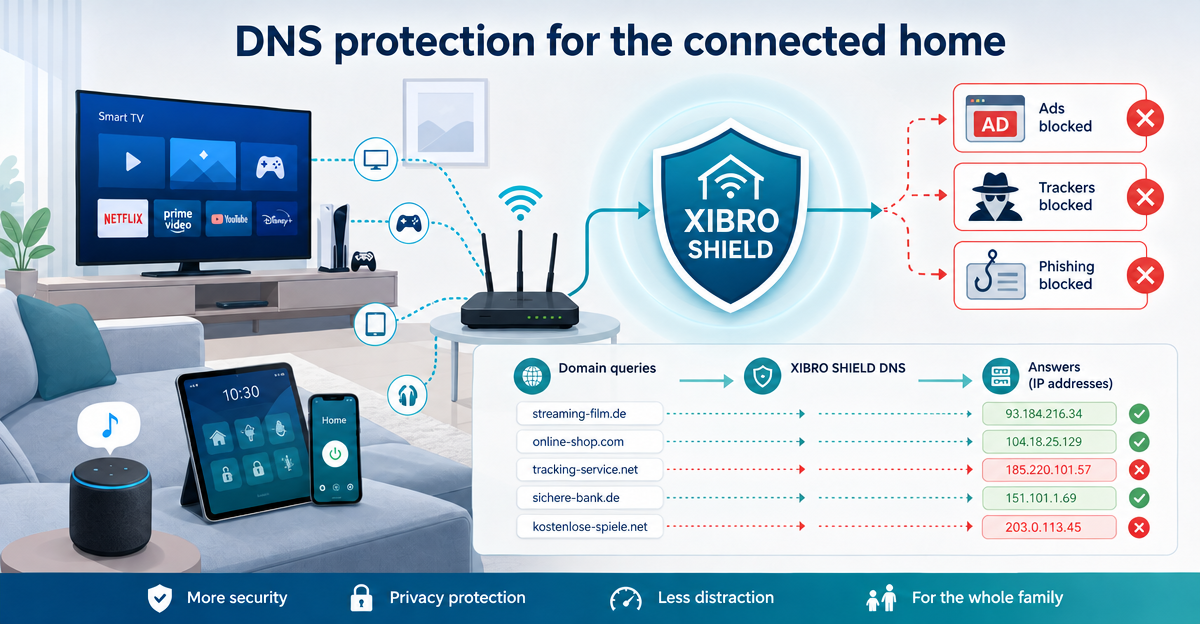
Smart TVs, consoles and IoT devices send DNS queries too. How DNS filtering works and how a compatible WireGuard router can include your smart home.

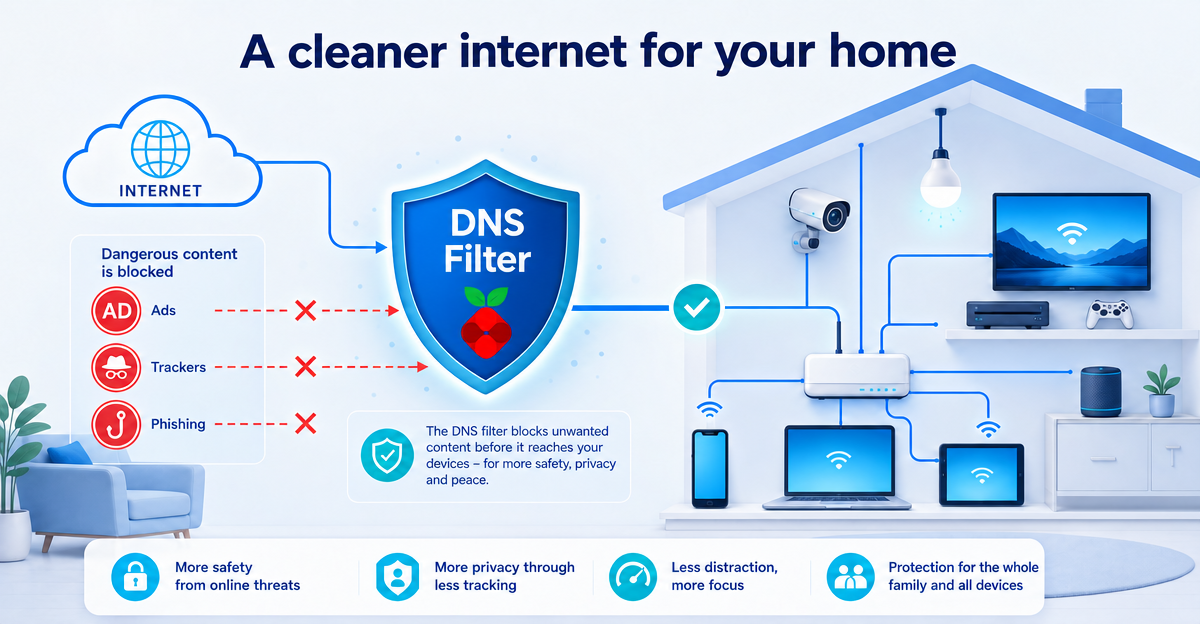
Pi-hole DNS filtering helps reduce ads, trackers and phishing domains centrally – especially in a smart home. Here is how it works without a DIY project.

Smart TVs, cameras, speakers and other smart home devices constantly talk to external services. Why DNS protection in the home network matters more and more.