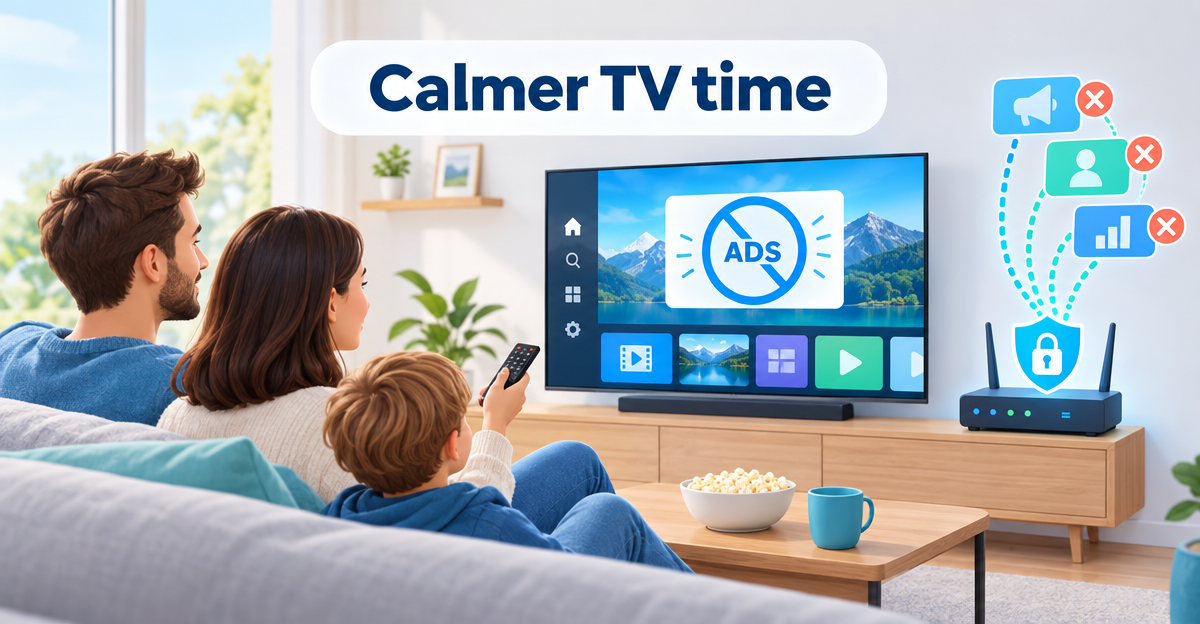
Ads & Trackers
Turn off ads on a Samsung TV – and what works on LG
Turn off ads on a Samsung TV: what the settings do, what a DNS filter adds on top and which ads stay on Samsung and LG.
OfferEarly Access 100: FAMILIE free for 90 days – only 100 places. Learn more →

Turn off ads on a Samsung TV: what the settings do, what a DNS filter adds on top and which ads stay on Samsung and LG.
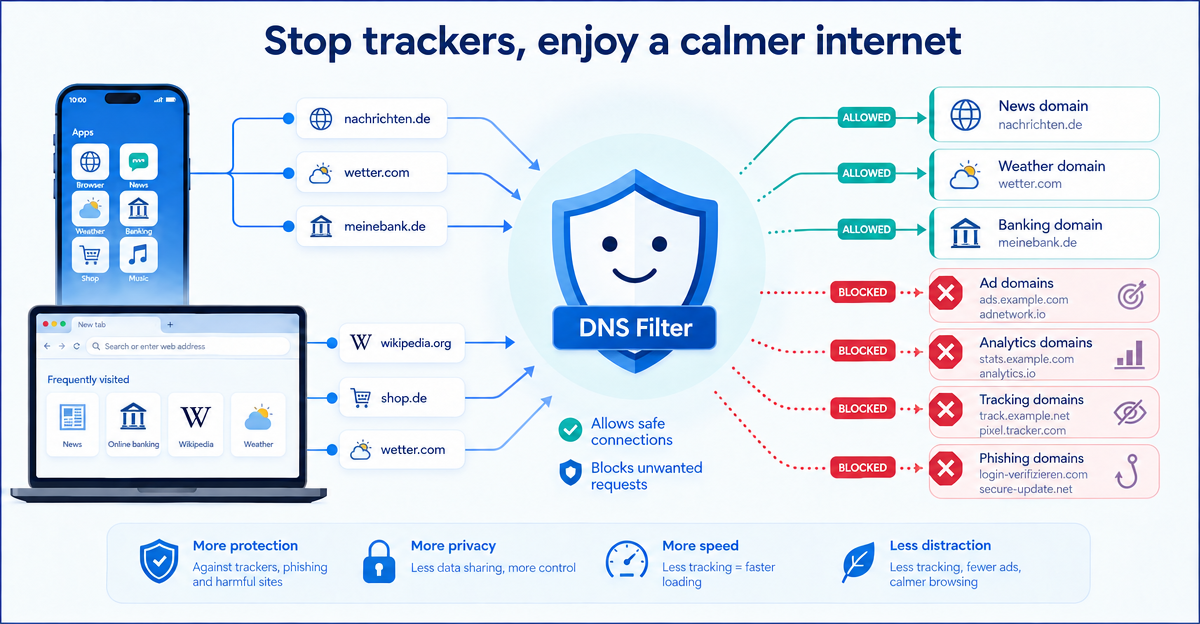
Apps and websites often contact external ad and tracking domains. A simple explanation of how DNS filtering helps to block many of these connections.
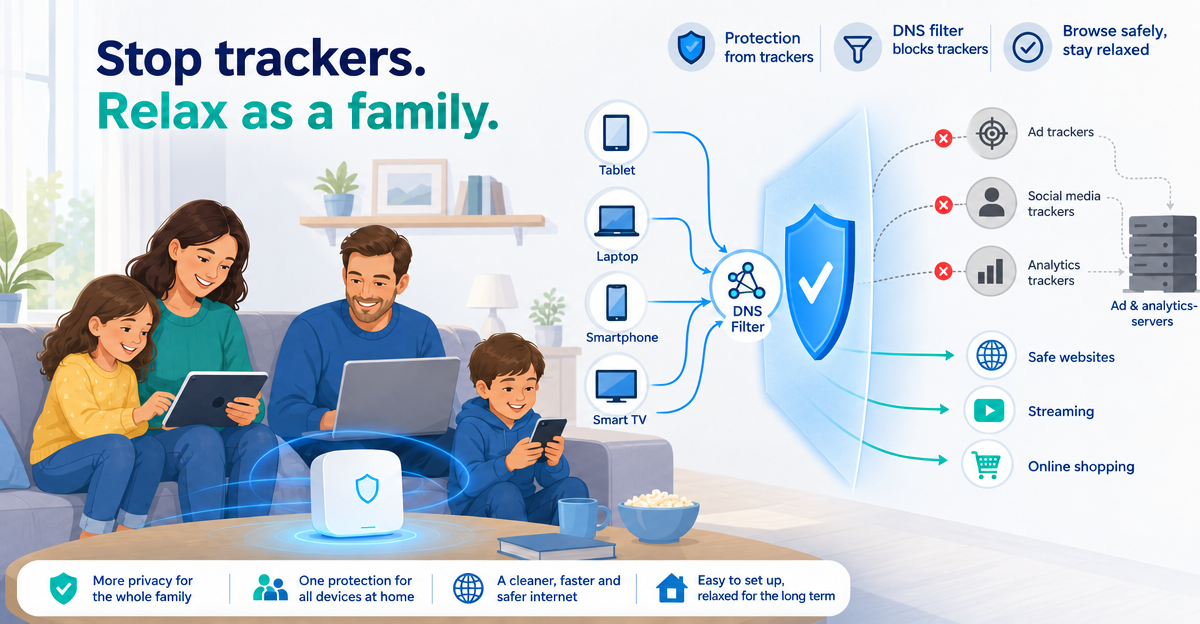
“Trackers blocked” means a data collector was stopped. What the message means, whether you need to do anything and where the protection ends.
Why do ads for a product suddenly appear on every website? Explained simply: what trackers are, what data they collect and how you can protect yourself.