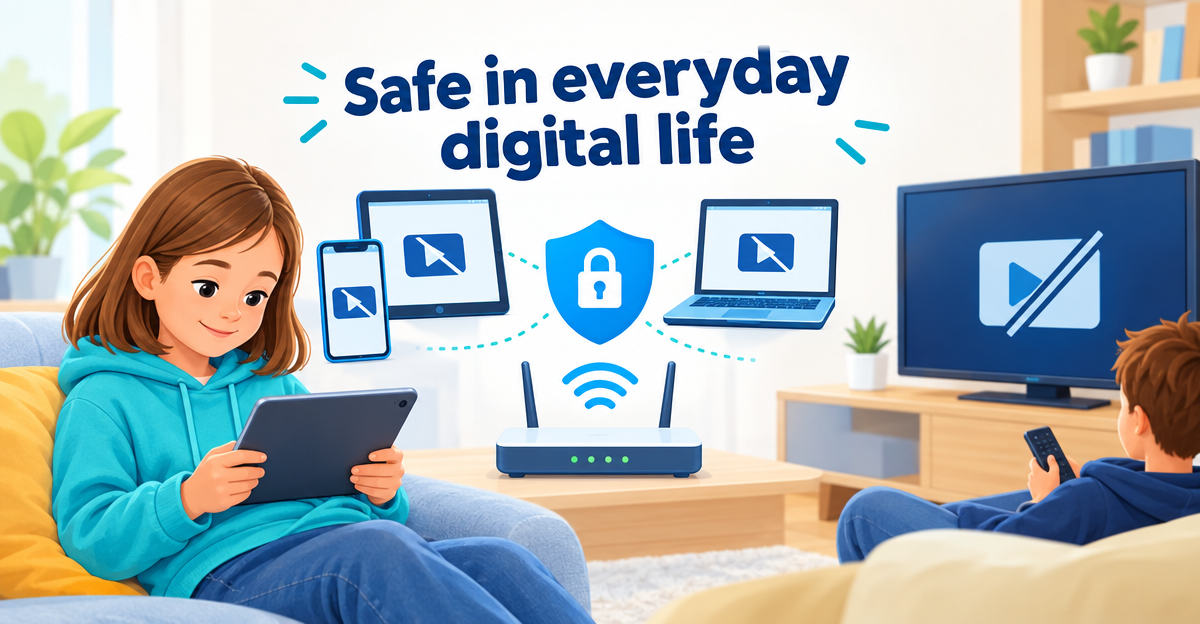
Child Safety & Family
Blocking YouTube for children – on phone, tablet and TV
Blocking YouTube for children: every option for phone, tablet, router and TV at a glance – and an honest look at where each block has a gap.
OfferEarly Access 100: FAMILIE free for 90 days – only 100 places. Learn more →

Blocking YouTube for children: every option for phone, tablet, router and TV at a glance – and an honest look at where each block has a gap.
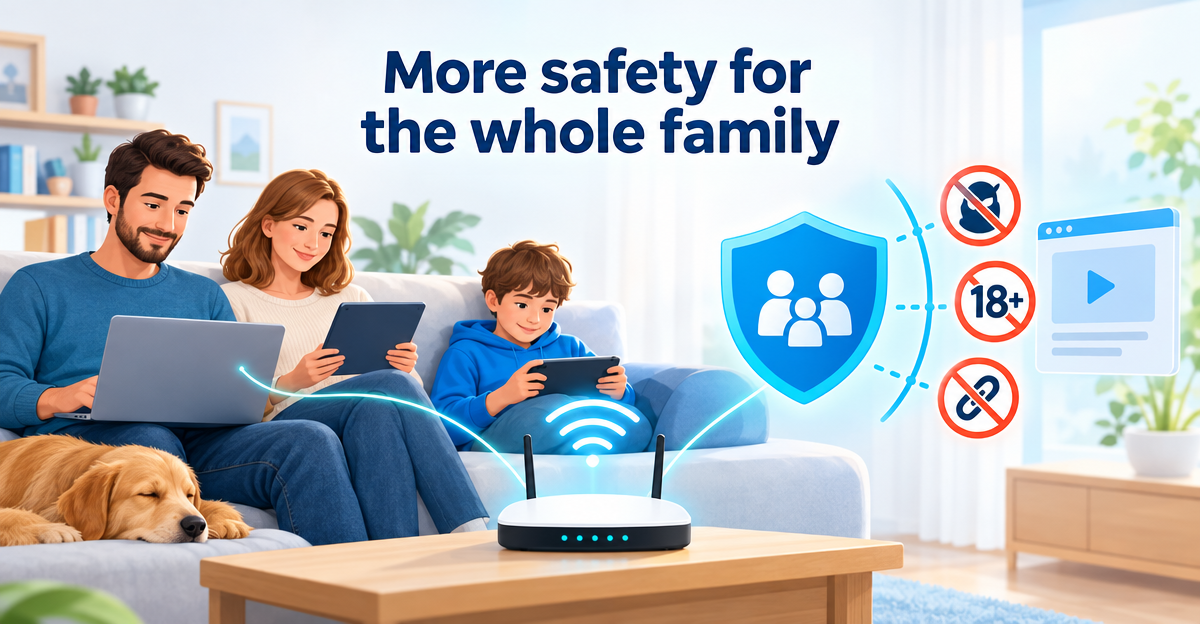
Cloudflare DNS for Families put to the test: 1.1.1.3 blocks malware and adult content, for free. How to set it up and where its limits are.
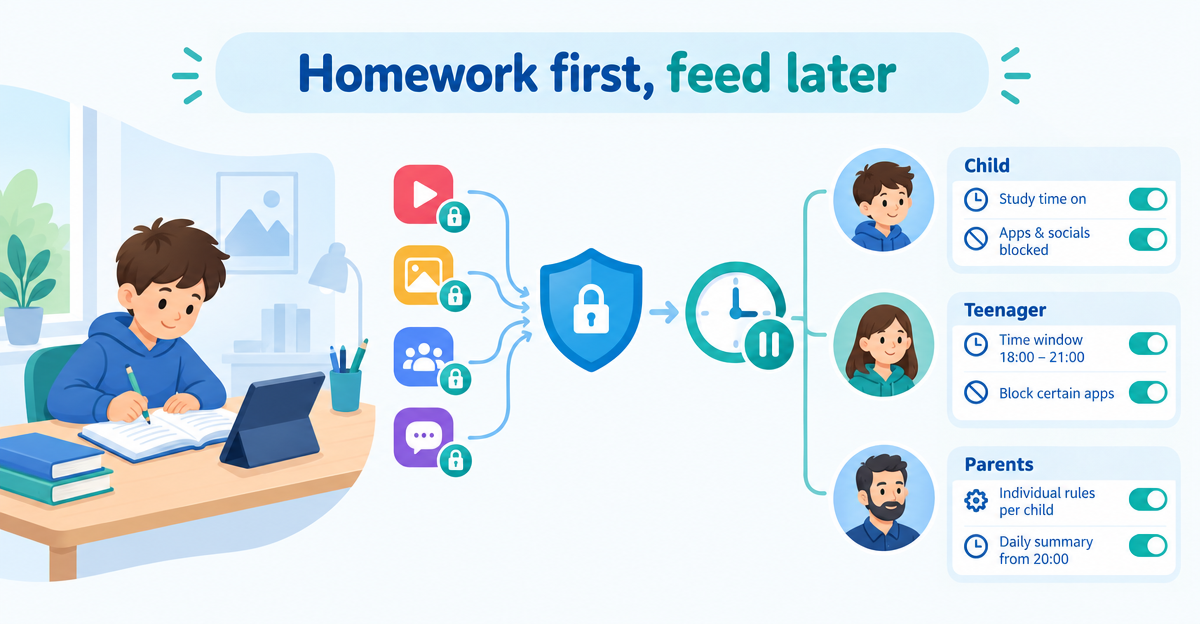
Instead of collecting devices every day: block TikTok, YouTube and co. per profile and set internet breaks with schedules – support for clear family rules.
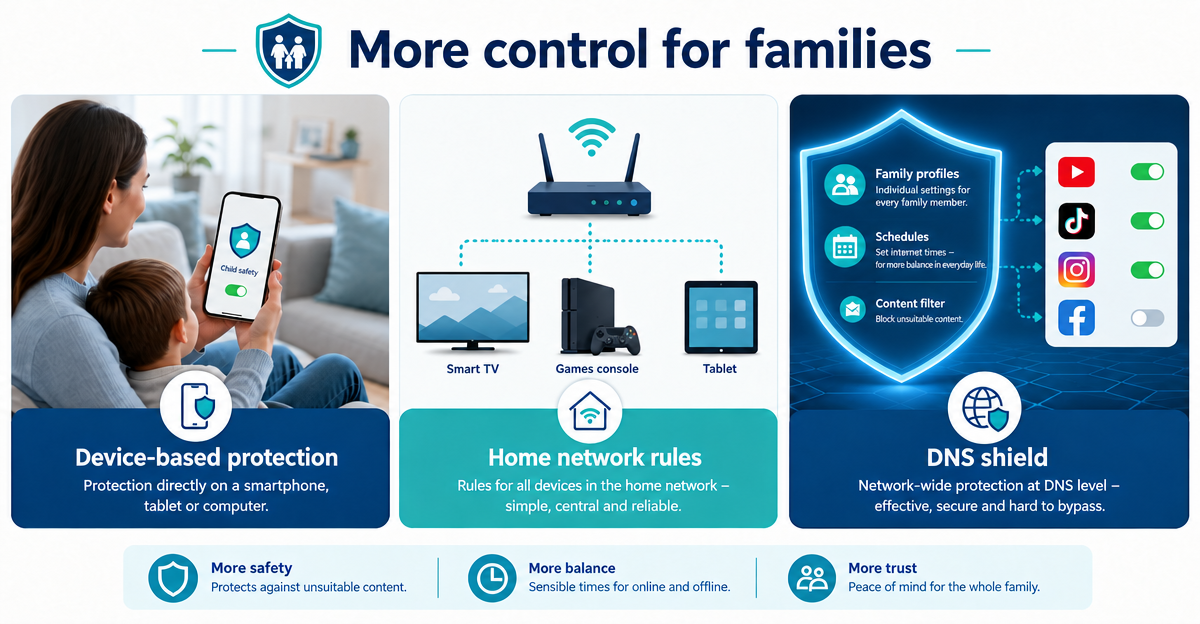
Parental control app, router rule or DNS shield? This comparison shows which solution helps families when, and where profile-based DNS rules have the edge.
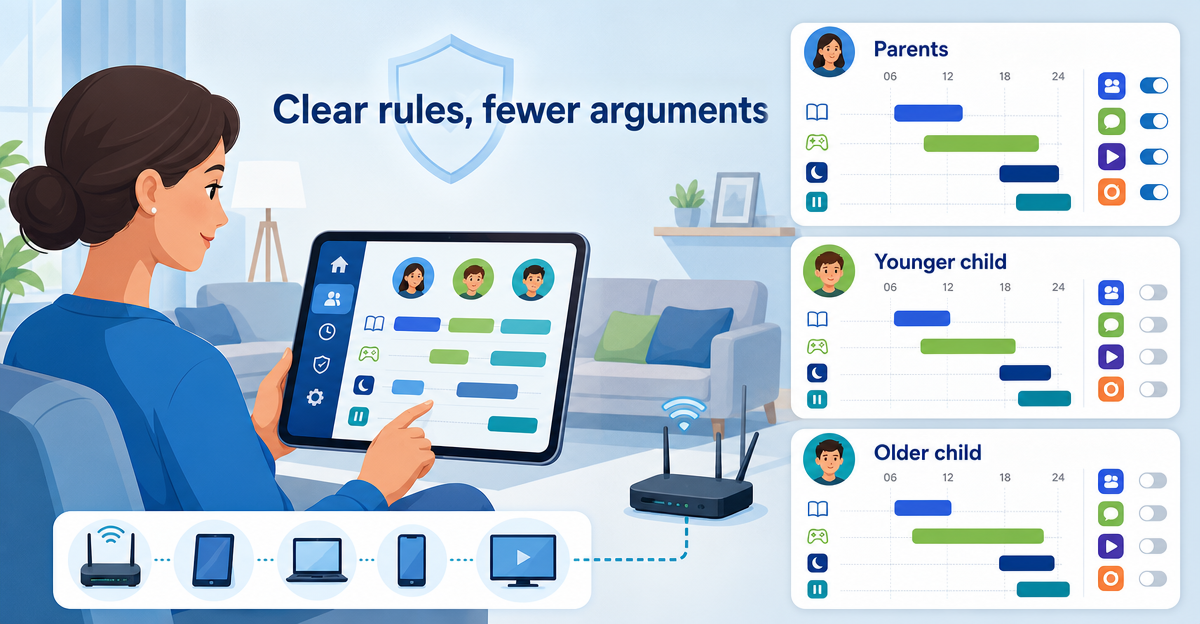
A single internet switch rarely suits family life. How profiles and schedules give children clear rules without restricting parents and other devices.
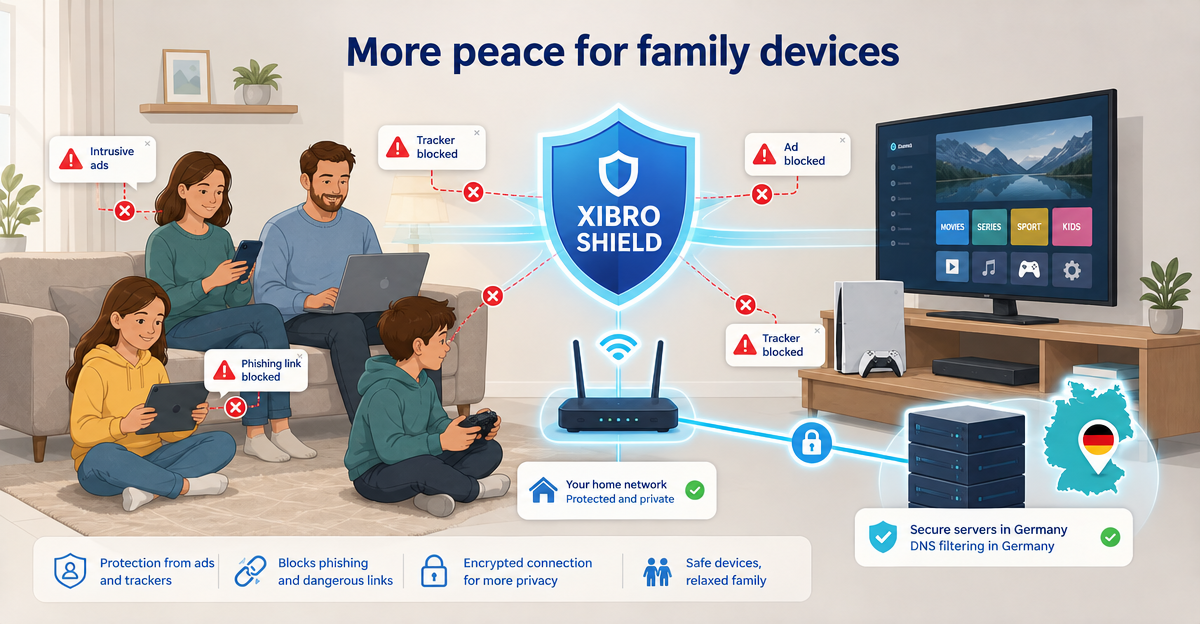
Families use many devices at the same time today. How DNS filtering reduces ads, trackers and phishing risks and brings more digital peace to your home.
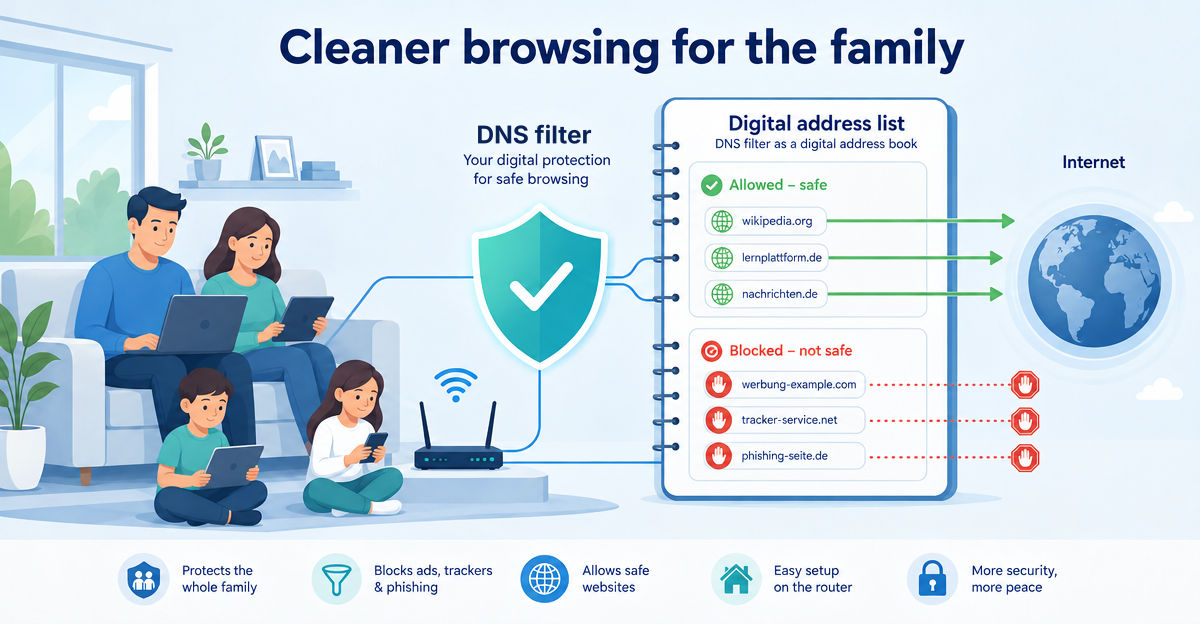
DNS filtering for families explained simply: like a digital address book, it blocks known ads, trackers and phishing sites early – without changing your IP.